 10kTasks
Every free time. One click to book.
See who is free, pick a time, done.
- 25, 50 or 75 minutes
- Quiet mode
- Quick match, right now
Your tasks on one side. A real person on the other.Book a time and get it done together.
Free to start. No card needed. On a Mac? Use the browser.
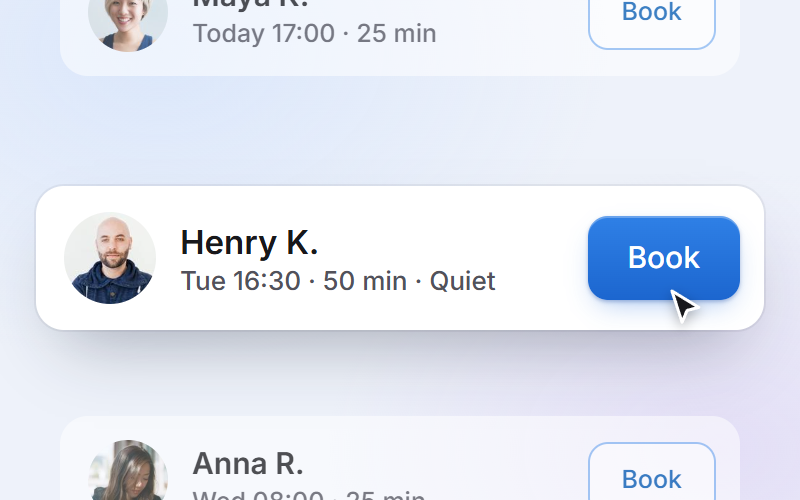
Pick a free time, or join a friend who already booked.
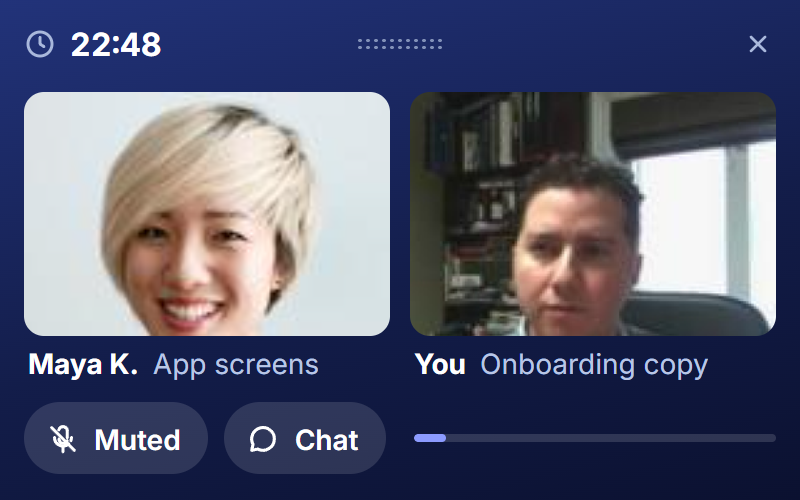
Say your task, then work together on video. Talk, or keep it quiet.
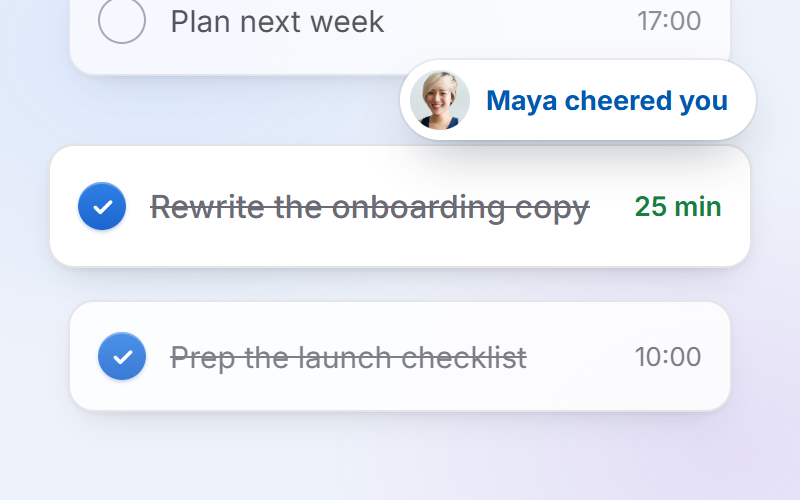
Check off what got done. Your partner cheers you on.
See who is free, pick a time, done.
Click a day to see just that day.
Join a club, add a friend, say hi.
Share only the tasks you switch on.
Four numbers and a chart. No rank.
$0
No card, no trial to run out
$59
a year, about $4.92 a month
Planned prices for the US, UK and Europe; lower in many other countries, including India. They may change before launch, and nothing is charged during the beta.
Working while someone else is there. Another person present makes it easier to start and to keep going. 10kTasks gives you that person for 25, 50 or 75 minutes.
Someone free at the same time: a person you booked, a friend, your crew, or with Quick match whoever is free right now.
You choose whether your camera and mic are on when you join. In Quiet mode nobody expects to talk.
Your name, your video if it is on, and the task you picked for the session. Your other tasks stay private unless you share them with your crew.
Best on Windows, as a sidebar docked beside whatever you are working on; in a session it shrinks to a small video window that stays on top. It also runs in Chrome or Edge on any computer, Mac included, at app.10ktasks.com. Mac and phone apps come later.
The Windows app is not code-signed yet, so Windows SmartScreen shows a warning the first time. Click "More info", then "Run anyway". If your computer blocks it, use the web app instead.
25, 50 or 75 minutes. Each booking holds a few extra minutes to wrap up.
No. You see four numbers and a chart for your own week. Nobody sees a rank, and days off are fine.
Yes. You get 4 free sessions every week, at any length. Pro gives you unlimited sessions and is planned for after the beta.
No, because there is nothing to run out. The free plan stays free: 4 sessions every week, no card needed.
No. There are no payments in the beta.
Sign in with Google or your email, add a photo and your name, and book a time. Free, no card.
For adults, 18 and over.